
Bookkeeping Insights
Bank Feed Software: How Firms Connect and Trust Their Data
Bank Feed Software: How Firms Connect and Trust Their Data What Bank Feed Software Actually Does The Difference Between a Feed and a Finished Entry Why Firms Struggle to Trust Their Bank Feed Data Wha
Bank Feed Software: How Firms Connect and Trust Their Data
- What Bank Feed Software Actually Does
- Why Firms Struggle to Trust Their Bank Feed Data
- What a Trustworthy Bank Feed Workflow Looks Like
- How Bank Feed Software Fits Into a Full Firm Workflow
- Bank Feed Software as Part of an AI Bookkeeping System
- What to Look for When Evaluating Bank Feed Software
- A Note on QuickBooks and Existing Data
- FAQs
- The Feed Is Just the Beginning
Bank feed software is the foundation of modern bookkeeping, and most accounting firms are still using it the wrong way. You connect a bank account, transactions flow into your ledger, and then the real work begins: coding every line, reconciling the statement, chasing down receipts, and repeating all of it across every client. The feed is just the start. What happens after it lands is where firms either scale or stall.
This article covers how bank feeds actually work, what separates a useful connection from a trustworthy one, and what it looks like when bank feed software is part of a complete bookkeeping workflow rather than just a data pipe.
What Bank Feed Software Actually Does
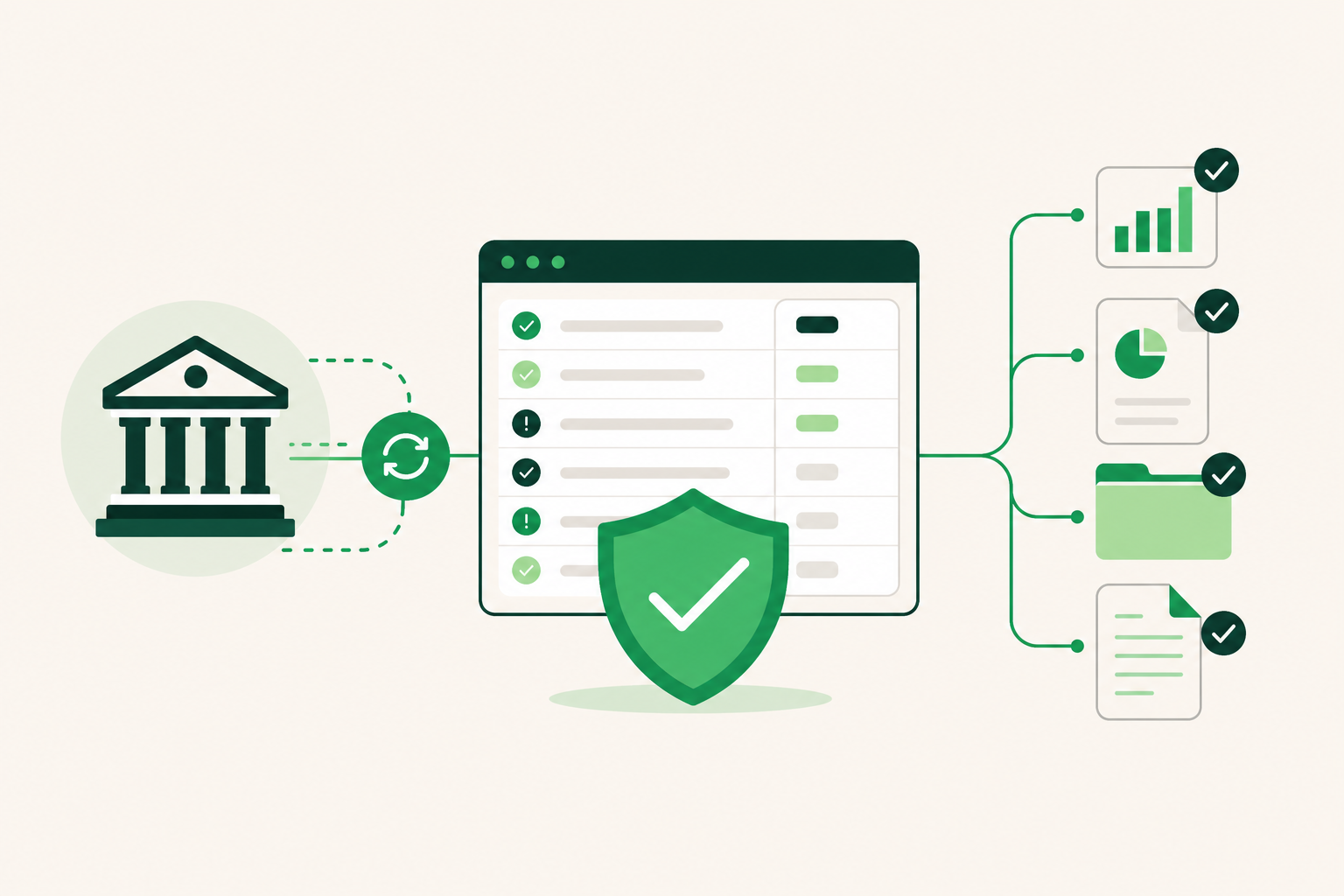
At its core, bank feed software creates a live or near-live connection between a financial institution and your accounting platform. Transactions from checking accounts, savings accounts, and credit cards are pulled into the ledger automatically, usually through a financial data aggregator that authenticates with the bank on your behalf.
The most widely used aggregator in the US market is Plaid. When you connect a client's bank account through a Plaid-powered integration, the software retrieves transaction data, timestamps it, and makes it available for coding and reconciliation. The connection is read-only from the accounting side — the software can see what happened at the bank, but it cannot move money.
That distinction matters for trust. A read-only feed cannot initiate transfers or expose account credentials to the bookkeeping layer. Plaid has completed a SOC 2 Type II audit, which means its security controls have been independently tested over time, not just reviewed on paper.
The Difference Between a Feed and a Finished Entry
Here's where most bank feed software stops: it gets the data in front of you. A transaction appears in a queue. You decide what account it belongs to, whether it needs a receipt, and whether it matches the bank statement. Then you post it.
For a firm managing 10 or 20 client companies, that queue never empties. You finish one client's month and another client's February is already waiting. The feed solved the data-entry problem. It left the judgment problem entirely in your hands.
Why Firms Struggle to Trust Their Bank Feed Data
Connecting a feed is easy. Trusting what comes through it is harder. A few specific failure points create doubt.
Duplicate transactions. Some aggregators pull the same transaction twice when a connection refreshes at an awkward time. If your workflow doesn't catch duplicates before posting, the reconciliation breaks.
Pending vs. cleared transactions. A feed that includes pending transactions creates a mismatch between the bank statement and the ledger. Reconciling against a statement requires cleared transactions only.
Missing context. A transaction that reads "ACH DEBIT 4421" tells you nothing about whether it's a vendor payment, a payroll run, or a loan repayment. Without context, every ambiguous line is a judgment call that costs human time.
Stale connections. Bank feeds drop. Authentication tokens expire. When a connection goes silent, transactions stop flowing — and you may not notice until a client asks why their books look wrong.
No source document. A feed gives you the transaction. It does not give you the invoice, the receipt, or the approval that explains it. Month-end close requires both.
Each of these failure points adds time to your workflow and forces a decision: trust the data or verify it manually. Multiply that across 20 clients and the overhead becomes significant.
What a Trustworthy Bank Feed Workflow Looks Like
A reliable bank feed workflow has four properties: the connection is stable, the data is clean before it reaches the coding queue, exceptions are flagged rather than silently passed through, and source documents are attached before the entry posts.
Stable Connections
Stability depends on the aggregator's relationship with the bank and how the software handles reconnection when tokens expire. A good platform notifies you when a feed goes stale rather than letting the silence grow unnoticed. It also stores bank statements as a backup so reconciliation can proceed from the statement even when the live feed has a gap.
Clean Data Before Coding
Cleaning the data means deduplicating, filtering out pending transactions, and normalizing merchant names before anything reaches your queue. This work is largely invisible when it's done well and very visible when it isn't.
Exception Flagging
Not every transaction can be coded automatically. A good bank feed workflow distinguishes between transactions it can handle confidently and ones that need a human decision. Routine entries should post with minimal friction. Ambiguous ones should surface clearly, with enough context to make a fast call.
Source Document Attachment
The transaction record is incomplete without the receipt or invoice that supports it. A workflow that chases missing documents as part of the coding process — rather than leaving that follow-up to a separate task — closes the loop before month-end rather than during it.
How Bank Feed Software Fits Into a Full Firm Workflow
Most bank feed software is a feature inside a larger accounting platform. QuickBooks and Xero both pull bank transactions into the ledger. But importing the transaction is step one of bookkeeping, not the whole job. Both platforms stop at the feed and leave the coding, reconciliation, and reporting work to the bookkeeper.
That's not a criticism — it's a design choice. Those platforms are general-purpose accounting tools, and the bookkeeping labor is assumed to be human.
The question for a growing firm is whether that assumption still makes sense when you're managing 20 clients and the transaction queue is the bottleneck.
Bank Feed Software as Part of an AI Bookkeeping System
A different approach treats the bank feed as an input to an automated workflow rather than a queue for manual review. The feed lands, familiar transactions are coded based on the company's history, ambiguous ones are flagged, missing receipts are chased, and the reconciliation runs against the bank statement. The bookkeeper reviews exceptions and approves finished entries rather than processing every line individually.
LedgerHQ is built around this model. Bank and card feeds connect through Plaid, and Tally — the platform's built-in AI bookkeeper — handles transaction coding, bank reconciliation, and missing-information follow-up across every managed company. Nothing posts to the books without human review and approval. The bookkeeper stays in control of exceptions and judgment calls; routine work moves without requiring their attention on every line.
Muse, a second layer in the platform, lets a bookkeeper query and direct work across all managed companies without opening each one individually. For a firm managing 15 or 20 clients, that single-view access changes how you spend your morning.
The platform also stores bank statements as source documents, so reconciliation is tied to the actual statement rather than just the feed. That matters for accuracy and for audit readiness. You can read more about how this works on the bank reconciliation features page.
What to Look for When Evaluating Bank Feed Software
The connection itself is table stakes. The more useful questions are about what happens after the feed lands.
Does the platform code transactions or just display them? A feed that requires manual coding on every line is a data-delivery tool, not a productivity tool.
How are exceptions handled? Look for a workflow that surfaces ambiguous transactions clearly rather than silently queuing them alongside everything else.
Does it chase missing documents? Follow-up on missing receipts is one of the most time-consuming parts of client bookkeeping. A platform that handles this proactively saves real hours per client per month.
Can you reconcile against the bank statement? Feed-based reconciliation is faster, but statement-based reconciliation is more reliable. The best platforms support both and retain the source document.
What happens when the feed drops? Ask how the platform handles stale connections — does it notify you, or does the gap grow silently?
Is the connection infrastructure audited? The aggregator's security posture matters. Plaid's SOC 2 Type II certification means its controls have been independently verified over time.
Can you manage multiple clients without switching contexts constantly? For firm owners, the per-client overhead of opening, reviewing, and closing each company file adds up fast. A firm-level view changes the math.
A Note on QuickBooks and Existing Data
Many bookkeeping firms are already running their clients on QuickBooks. Switching bank feed software doesn't have to mean abandoning that history. LedgerHQ supports QuickBooks migration with chart-of-accounts and journal history import, including a preview step before anything posts. Plaid-connected bank feeds layer on top of the imported data, so you're not starting from scratch.
If you're evaluating whether to move a single client or your entire firm, the migration path matters as much as the destination. Learn more about how the AI bookkeeper handles the transition.
FAQs
What is bank feed software?
Bank feed software creates an automated connection between a bank or credit card account and an accounting platform. Transactions are pulled into the ledger without manual data entry, typically through a financial data aggregator like Plaid.
How does Plaid work with bank feed software?
Plaid authenticates with the bank on behalf of the accounting platform and retrieves transaction data on a read-only basis. It cannot initiate transfers or access credentials beyond what's needed to pull transaction history. Plaid has completed a SOC 2 Type II audit, meaning its security controls have been independently tested.
Why do bank feeds sometimes cause reconciliation problems?
Common issues include duplicate transactions from connection refreshes, pending transactions that don't match the cleared statement balance, and stale connections that stop pulling data without any notification. A well-designed workflow catches these before they reach the reconciliation step.
What's the difference between a bank feed and a bank reconciliation?
A bank feed delivers transaction data into your ledger. A bank reconciliation compares that ledger data against the official bank statement to confirm they match. The feed is an input; the reconciliation is the verification step that confirms the books are accurate.
Does AI bank feed software replace the bookkeeper?
No. AI-assisted bank feed software handles routine coding and flags exceptions, but the bookkeeper reviews and approves entries before they post. Human judgment stays in the workflow for anything ambiguous, unusual, or outside the system's confidence.
Can I use bank feed software if my clients are already on QuickBooks?
Yes. Platforms like LedgerHQ connect to existing QuickBooks data through migration import and add Plaid-powered bank feeds on top, so you don't have to abandon your current setup or rebuild the books from zero.
What should I look for in bank feed software for a multi-client firm?
Look for a platform that codes transactions rather than just displaying them, handles missing-document follow-up, supports statement-based reconciliation, notifies you when feeds go stale, and gives you a firm-level view across all clients without requiring you to open each company file individually.
The Feed Is Just the Beginning
Bank feed software solved the manual data-entry problem. It did not solve the bookkeeping problem. The transaction still needs to be coded, the statement still needs to reconcile, and the receipt still needs to be attached before the month closes.
For firm owners managing a growing client roster, the question isn't whether to use a bank feed — it's whether the software stops at the feed or carries the work through to finished books.
If your current stack leaves the rest of that work to you, it's worth seeing what a complete workflow looks like. LedgerHQ runs the full cycle: Plaid-connected feeds into Tally's AI coding and reconciliation, through to finished income statements, balance sheets, and cash flow statements, with your review and approval at every exception. The free preview runs through January 1, 2027.
See how it works or start your free preview.
“`