Bookkeeping software with a bookkeeper in it

Your AI BookkeeperFor Only $20/mo

Tally is an AI bookkeeper who works inside your books. She codes the bank activity, works the reconciliations, asks for whatever is missing, and hands you finished financial statements. The same software whether you keep one set of books or forty.

Start with a card today and pay nothing until September 1, 2026. No contracts, and you can add more businesses whenever you want.

Tally — your AI bookkeeper
Tally, LedgerHQ's AI bookkeeper

Four minutes

Watch Tally do your books

Not a demo of buttons. Actual coding, reconciling, asking for what is missing, and reporting inside the books.

Be honest about what QuickBooks automates

QuickBooks automates only one thing: putting transactions on a screen for you to code.

That is the entire automation story. After the feed lands, a person codes it. A person handles the odd ones. A person chases the missing paperwork. A person posts the accruals. A person reconciles. A person checks the work. A person builds the report. You bought software and you still did the month by hand.

LedgerHQ automates the rest of the list. Not as suggestions in a sidebar — Tally posts to the real ledger, under the same period locks and balance rules a person works under, and leaves a record of every entry it made. You review the exceptions and make the calls that need judgment.

The full side-by-side
One company. One month of books.
Who does itQuickBooksLedgerHQ
Get bank and card activity inAutomatedAutomated
Code the transactionsDone by a personAutomated
Work the ones that aren't obviousDone by a personAutomated
Track down the missing informationDone by a personAutomated
Post accruals, payroll, depreciationDone by a personAutomated
Reconcile every account to the statementDone by a personAutomated
Check the workDone by a personReview
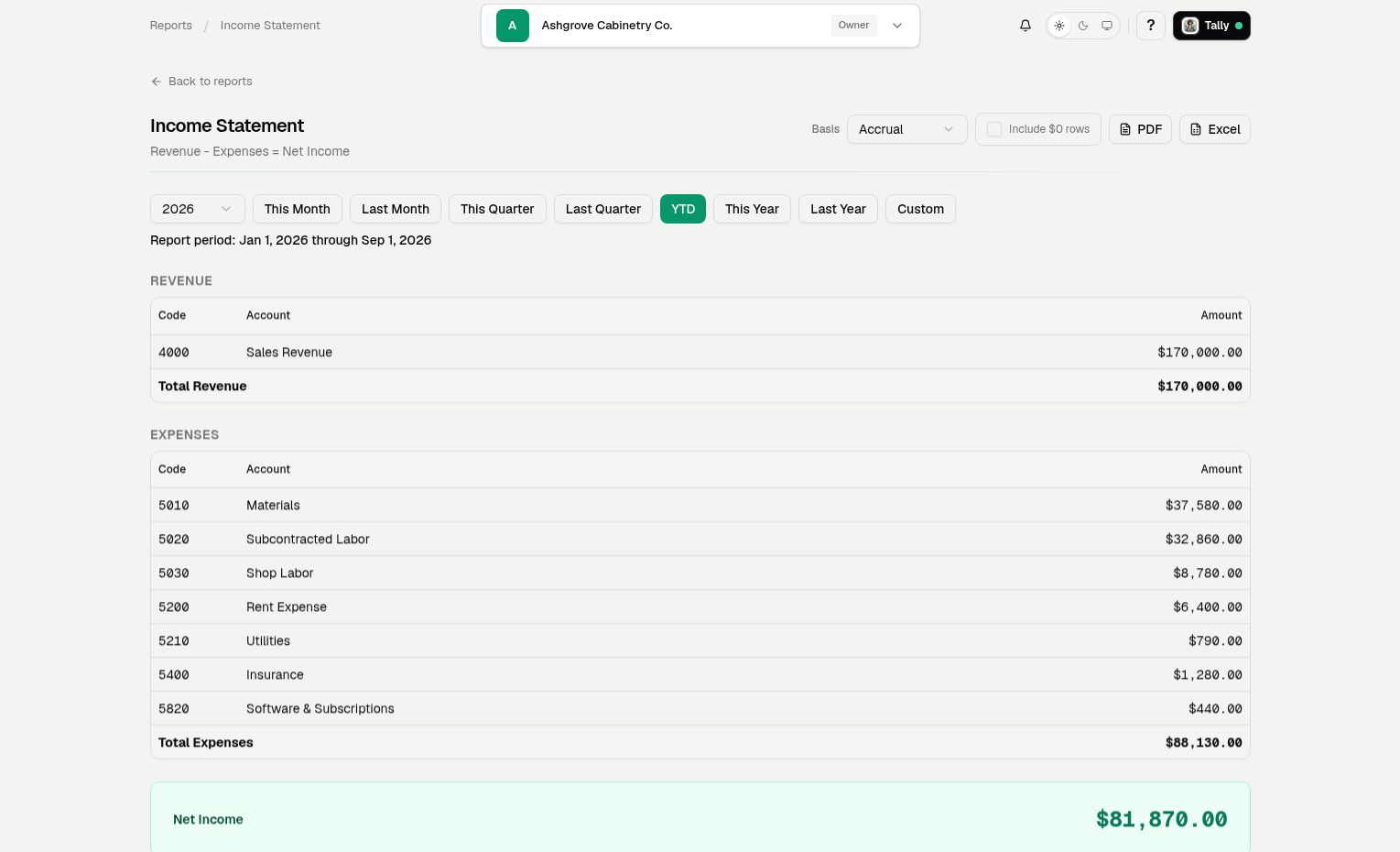
Produce and send the financialsDone by a personAutomated
1 of 8 automated7 of 8 automated

If you keep books for other people

Start the day getting things done, not chasing down information.

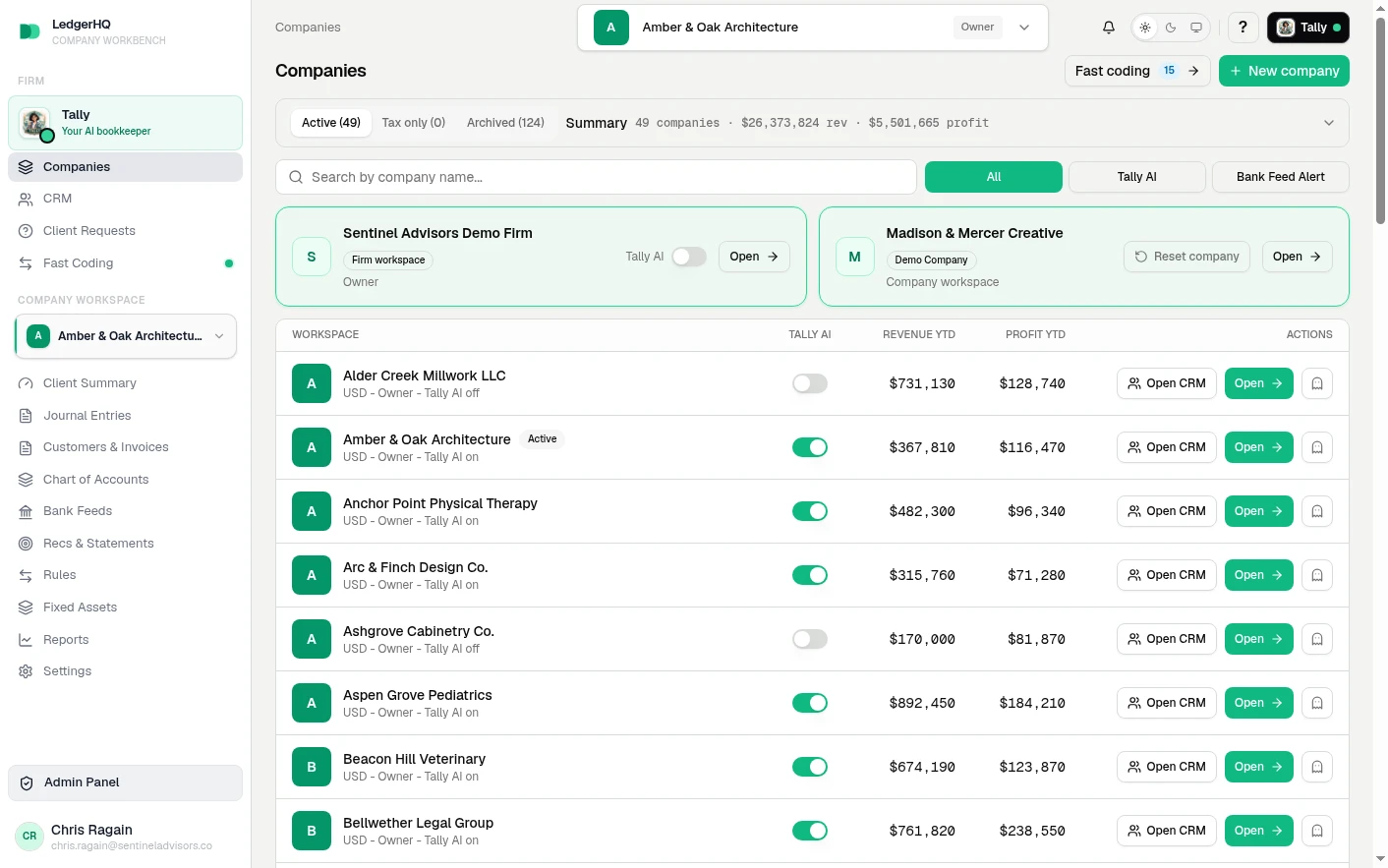
Everything above works the same whether the books are your own or someone else’s. What changes when you do this for a living is the work around the books: asking people who do not work for you for statements and answers, and a team that has to move across every company at once.

That is LedgerHQ Pro. Same ledger, same Tally, same price — plus the firm workspace: the companies you manage in one place, a client portal and tracked requests, staff seats across every company, and firm-wide views like the cross-company coding queue. Tally answers across all of them.

How accounting firms use LedgerHQ

Tally

Firm-wide · every company

  • Which companies still have uncoded transactions over $1,000?
  • Show me every meals charge over $500 across all my companies this quarter.
  • Which books are actually ready to close?
  • Which bank connections broke this week, and did anyone tell the owner?
  • Which companies are taking up the most time?

Ask in the firm chat, or pull the same data through the REST API.

What replaces what

Three screens that take over the work you do today.

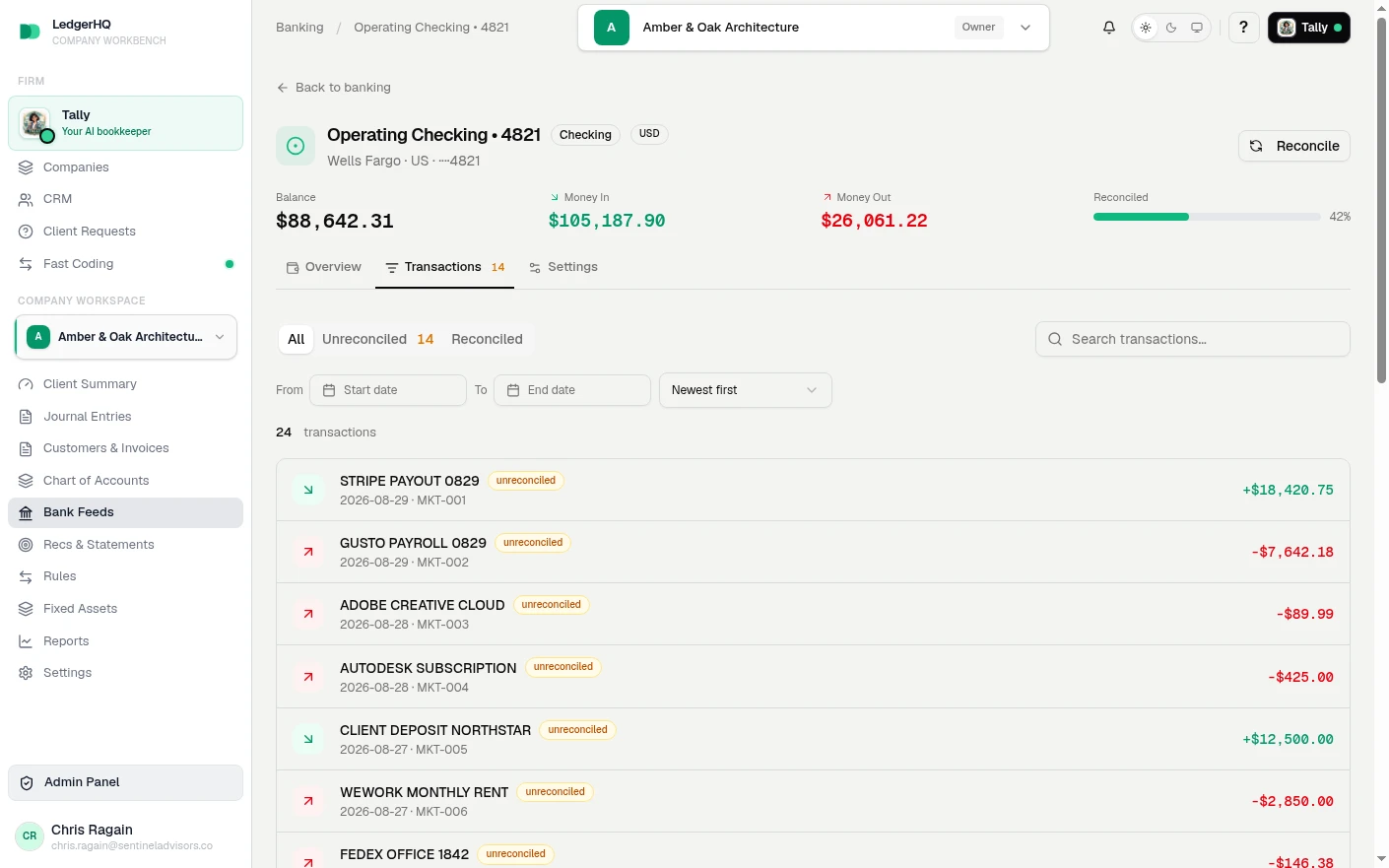
LedgerHQ Bank Feeds page with bank account cards and a ready-to-post transaction row

Instead of living in the bank feed

Familiar activity is already coded when you arrive.

Repeat vendors post on rules and AI. New vendors, transfers, and anything missing a detail stay in front of you with the reason attached.

LedgerHQ Chart of Accounts page with account category counts and account rows

Instead of a second set of books

One chart of accounts. Clean books underneath.

Tally and everyone else in the books post to the same accounts and registers, under the same period locks and balance rules. Automation does not create a shadow ledger you have to reconcile later.

LedgerHQ Overview dashboard with quick actions, revenue cards, and financial trend panels

Instead of digging for what happened

Start the day on the work, not on figuring out the work.

Bank activity, entries, statements, reconciliations, open questions, and reports in one place, with a clear record of what Tally did and what a person did.

LedgerHQ on iPhone

The books in your pocket. Tally ready to talk anytime.

Not a cut-down companion app. Ask Tally what needs doing across every company, open a client’s workspace, code transactions, pull statements and reports, and answer requests — from your phone.

Your clients get their own view: their accounts, their reports, and the questions you asked them. They never see your firm workspace.

Coming soon to theApp StoreStart on the web today
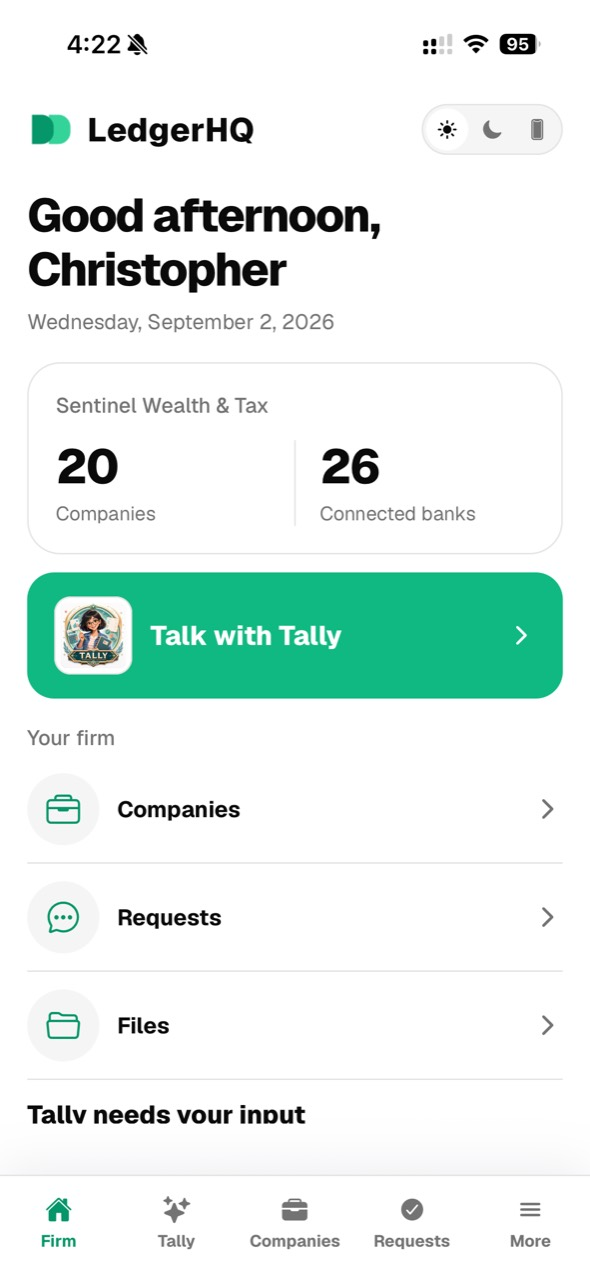
  • LedgerHQ mobile firm screen showing company and bank counts and a Talk with Tally button

    Your firm

    Your whole firm, opened from your pocket.

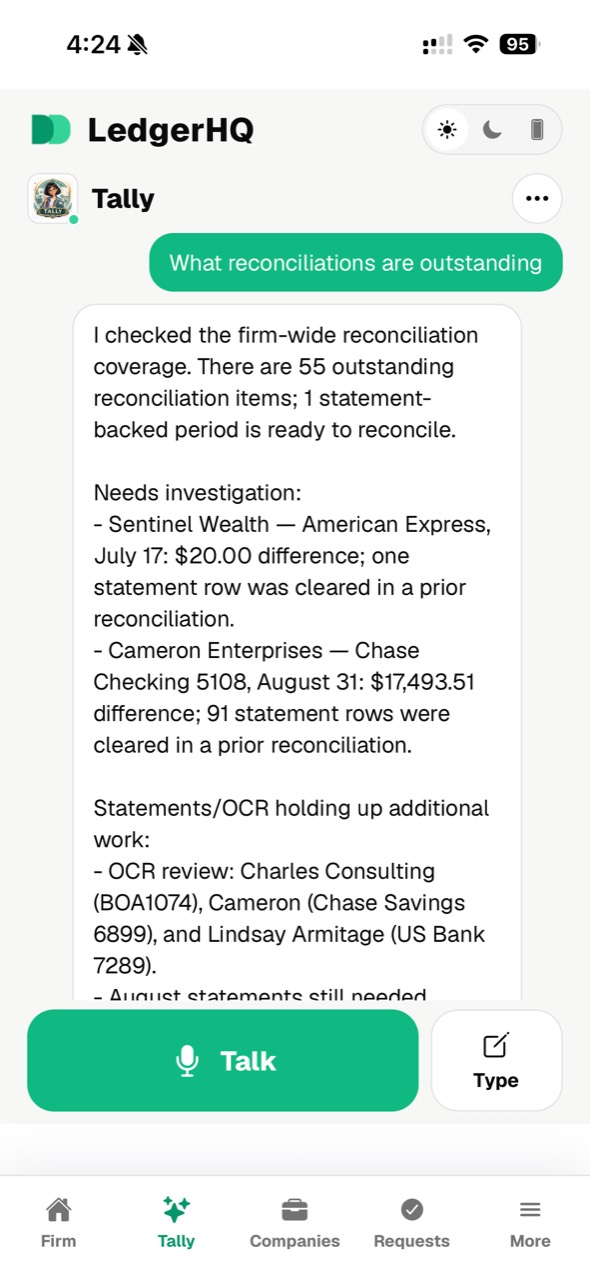
  • LedgerHQ mobile Tally conversation showing a firm-wide morning brief

    Your firm

    Ask Tally what needs doing. Out loud, if you want.

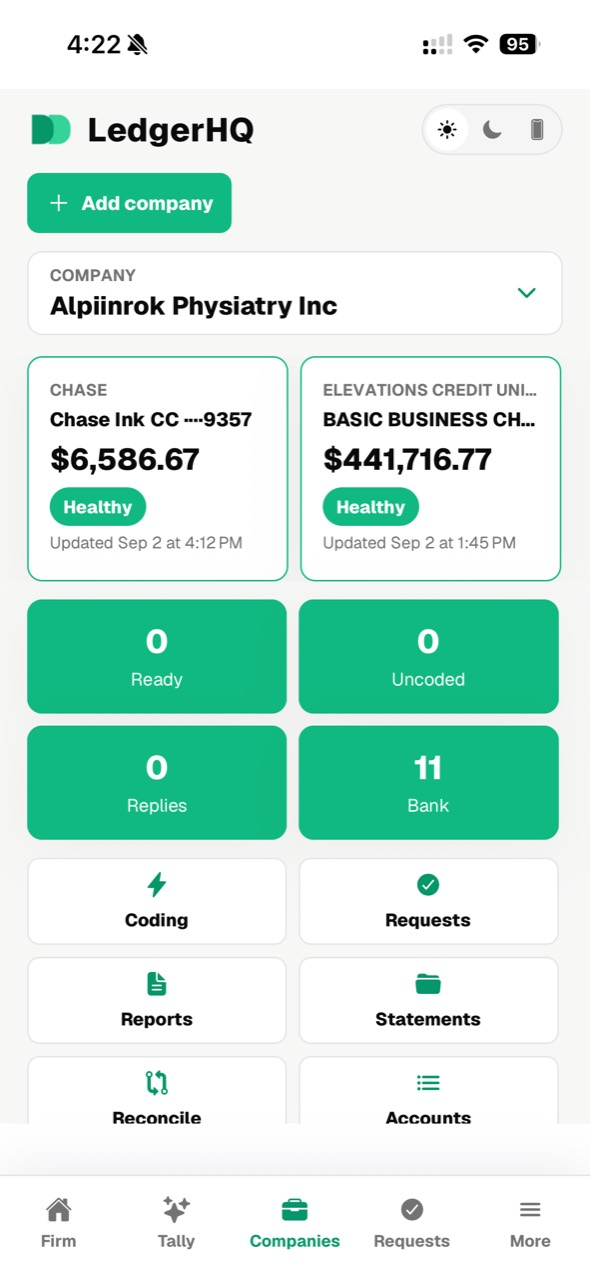
  • LedgerHQ mobile company workspace with bank balances, work counts, and action tiles

    Your firm

    Pick a company and go straight to the work.

  • LedgerHQ mobile files browser showing firm and company folders

    Your firm

    Statements and workpapers, wherever you are.

  • LedgerHQ mobile client view showing connected bank and credit card balances

    Your client

    Your client sees their accounts, not your workspace.

  • LedgerHQ mobile client view showing no open requests and resolved request history

    Your client

    And answers your questions without an email thread.

Your own tools, and your own AI

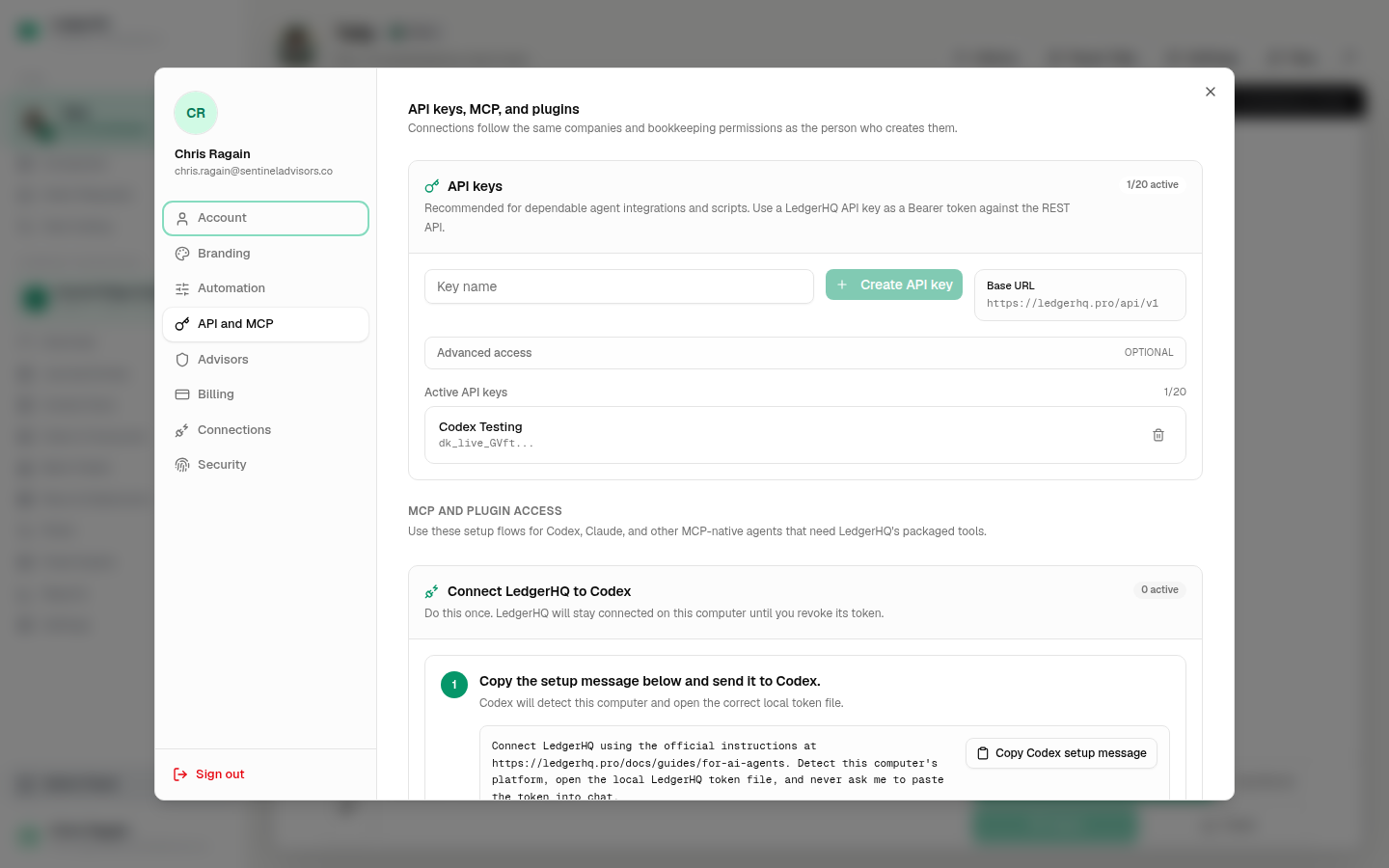
Everything Tally can do, your agents can do too.

QuickBooks has an API, but production access means an app review, a partner process, and a maintained integration — and there is no practical path for the AI assistant you already use to simply connect and work.

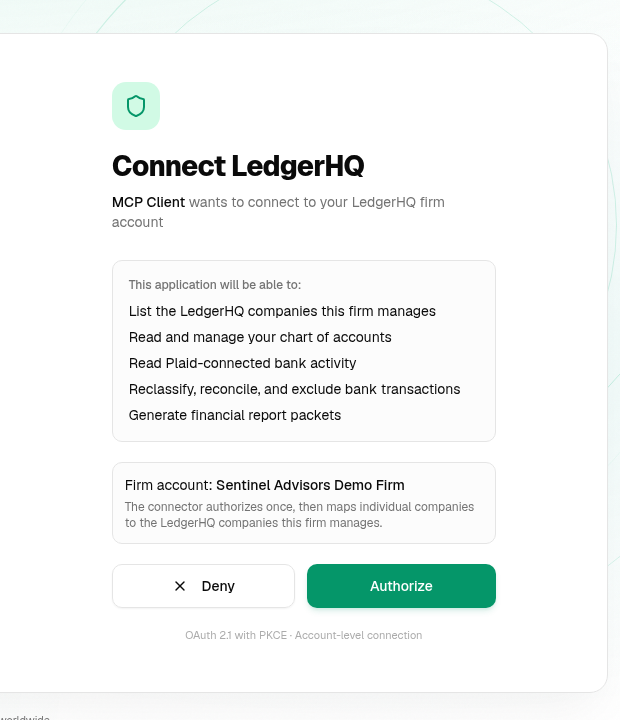
LedgerHQ ships a documented REST API and an MCP server as part of the product. Point Claude, an internal script, or another business system at the same books you work in. Nothing is held back for a partner tier.

REST API

Documented under an OpenAPI spec. Every agent-accessible capability has a route.

MCP server

Connect an AI agent directly to the books, scoped to your account.

Same permissions

Agents work under the same company scoping and period locks as people.

Full audit trail

Every entry records who or what made it, so review still works.

Codex
Claude
Hermes
OpenClaw

Switching from QuickBooks

Moving is easy, and your history comes with you.

Start with one set of books, watch it work for a month, and bring the rest over when you are ready. Here is the honest shape of it.

Move one set of books, not forty.

Pick the books you least want to open. Run them here for a month while everything else stays exactly where it is. You pay for that one company, and nothing else on your plate changes.

The chart and the history come with you.

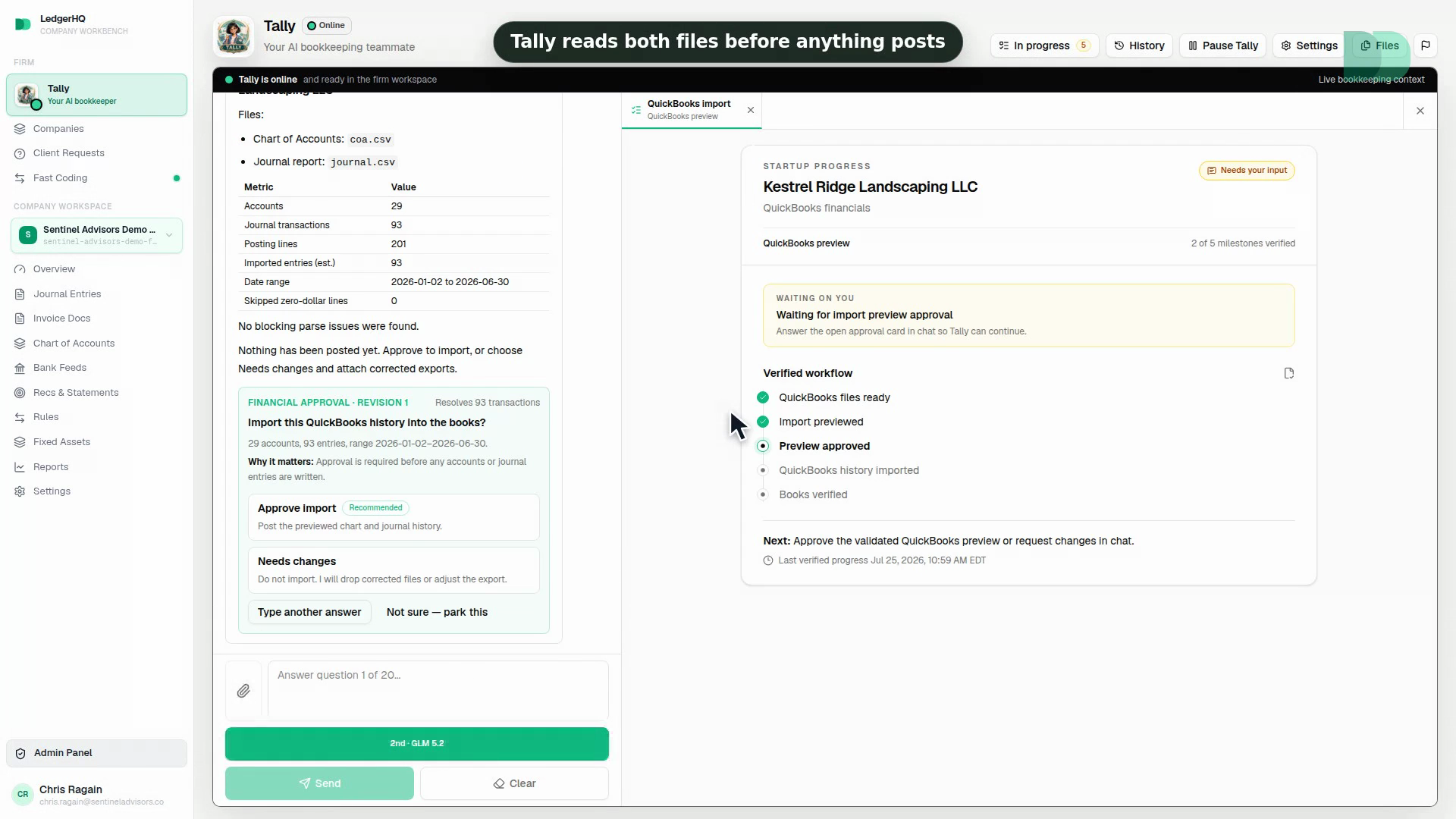
Export the chart of accounts and journals from QuickBooks as CSV — the standard export. LedgerHQ previews and validates the import before anything posts, so you see what lands before you commit.

Bank connections get reconnected, not copied.

No software can move a bank login. You reconnect the accounts through Plaid at the cutoff date. That is the honest part of the work, and it is the same step you would do at any new system.

Nothing forces you off QuickBooks.

Keep the QuickBooks subscription running as long as you want. The old history stays where it is. Most people run both for a month, watch the books come out right, and then stop paying for the old one.

1

Export the chart and journals

The standard QuickBooks CSV export.

2

Preview and validate the import

See exactly what posts before anything does.

3

Reconnect the banks, start Tally

The work queue lights up on day one.

Or just watch one move

The QBO to Tally migration from start to finish.

The exports, the preview, the verification. Judge the switching cost by watching it instead of by taking our word.

Pricing

Only $20 per month, lowest in the industry.

You pay for each business you add, so putting one set of books on LedgerHQ + Tally is $20a month — less than an hour of a bookkeeper’s time, for books whose coding and reconciliation stop being your problem. Without Tally, LedgerHQ Core is $9 a month per business. Your first 6 bank accounts are included; each one after that is $1 a month. Start with a card today and pay nothing until September 1, 2026.

View pricing

Questions

What people ask before they switch.

What is LedgerHQ?

LedgerHQ is bookkeeping software with Tally, an AI bookkeeper, built in. Your books live in a full ledger — chart of accounts, journal entries, registers, reconciliations, and financial statements — and Tally does the routine work inside them rather than suggesting it from a chat panel.

What is the difference between LedgerHQ and LedgerHQ Pro?

Same software, same price. The ledger, Tally, bank feeds, reconciliation, and reports are identical, and both are $9 a month per company for LedgerHQ Core or $20 with Tally. Pro adds the firm workspace: companies you manage on someone else's behalf, a client portal and requests for asking them for statements, documents, and answers, staff seats that work across every managed company, and firm-wide views such as the cross-company coding queue. If the books are your own, you want LedgerHQ. If you keep books for other people, you want Pro.

How is LedgerHQ different from QuickBooks Online?

QuickBooks automates one step of keeping your books: putting bank transactions on a screen. Coding them, sorting out the unclear ones, chasing missing information, journal entries, reconciliation, checking the work, and producing the financials are all still done by a person. Tally does those steps for you, writing to the real ledger under the same rules a person works under, and leaves you the exceptions and the judgment calls.

What is the best bookkeeping software for an accounting firm?

For a firm keeping books for many companies, the deciding factors are whether every managed company lives in one workspace rather than one file at a time, whether automation completes work or only suggests it, whether clients can send statements and answer questions without reaching your workspace, and whether your own tools and AI agents can reach the data. LedgerHQ Pro is built for exactly that profile. Firms needing payroll, inventory, or tax preparation inside the same product will still run dedicated systems alongside it.

Can I switch from QuickBooks one set of books at a time?

Yes, and that is the sensible way to do it. You pay for each business you add, so move one, run it alongside QuickBooks for a month, and decide from there. Moving a business means importing its chart of accounts and journal CSV exports, with a preview showing exactly what will land before anything posts, then reconnecting its bank accounts through Plaid from a date you choose.

Does an AI bookkeeper actually post to the general ledger?

In LedgerHQ, yes. Tally posts through the same accounting services a person uses, which means balanced entries, enforced period locks, company-scoped access, and a record showing that Tally rather than a person made the entry. Familiar activity can move automatically while new vendors, ambiguous transfers, and incomplete evidence stay queued for review.

Can my own software or AI agents connect to LedgerHQ?

Yes. LedgerHQ ships a documented REST API under an OpenAPI specification and an MCP server, so internal scripts, other business systems, and AI assistants can work with the same books you work in, under the same permissions. There is no partner program or app review to clear first.

How much does LedgerHQ cost?

$9 a month per business for LedgerHQ Core, or $20 with Tally doing the work, and Tally's AI use is included. You pay the same whether the books are your own or ones you keep for a client, and you add a business whenever you want one. Current figures are on the pricing page.

Bring Tally your books — all of them.

One business or a whole client list. Moving is easy, your history comes with you, and Tally starts working the day you arrive.

QuickBooks is a trademark of Intuit Inc. Comparison is for anyone evaluating bookkeeping alternatives.