
Bookkeeping Insights
Bookkeeping Software for Accountants: Features That Matter
The bookkeeping software that matters most for accountants combines a multi-client dashboard, AI-driven transaction coding and reconciliation, bank feed integration, and compliance reporting in one place. The right platform depends on firm size, pricing model preference, and whether you need cloud flexibility or desktop stability. This guide covers the features and steps that separate professional-grade […]
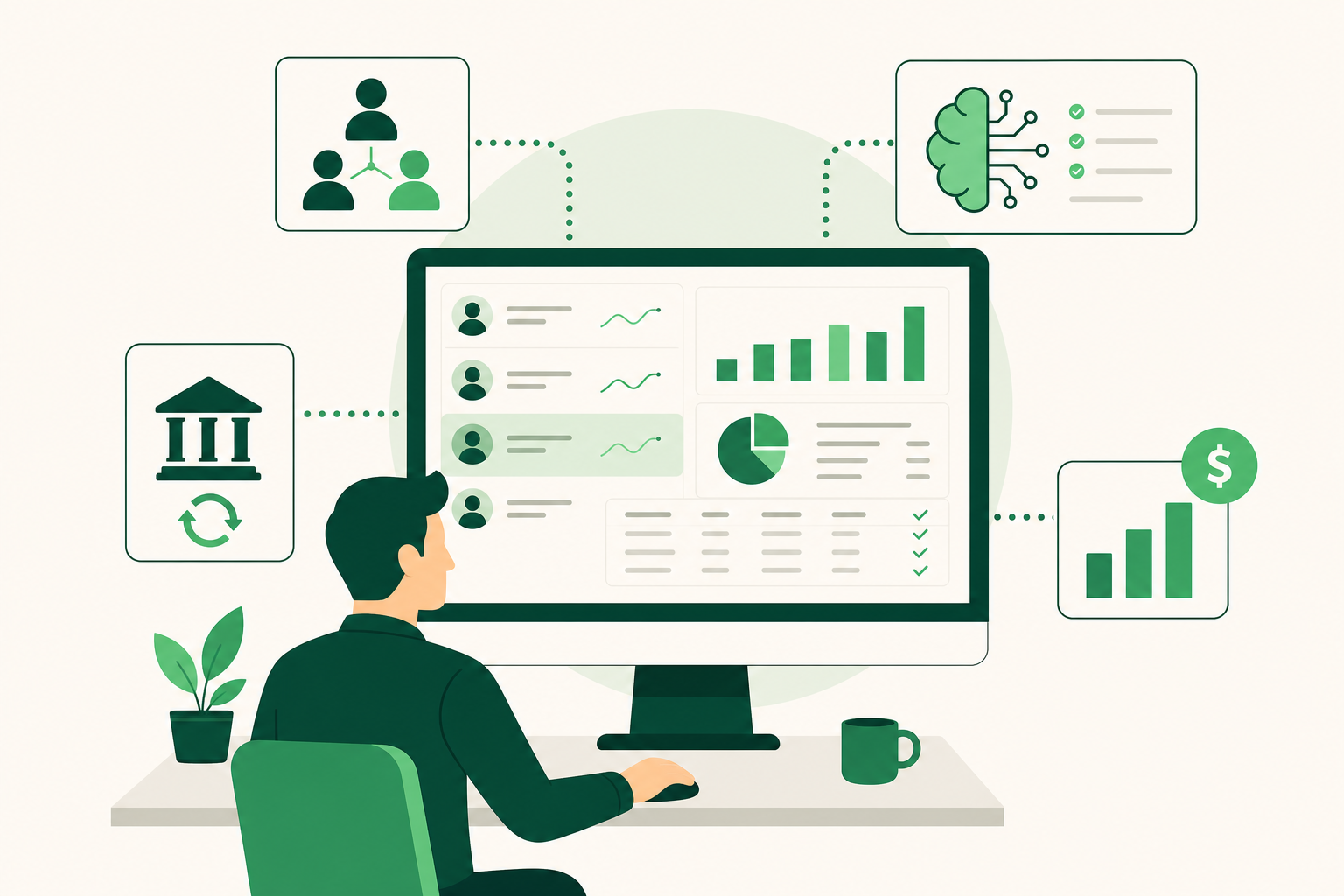
The bookkeeping software that matters most for accountants combines a multi-client dashboard, AI-driven transaction coding and reconciliation, bank feed integration, and compliance reporting in one place. The right platform depends on firm size, pricing model preference, and whether you need cloud flexibility or desktop stability. This guide covers the features and steps that separate professional-grade tools from basic options, so you can evaluate and shortlist before committing.
What Makes Bookkeeping Software Truly Built for Accountants?
The global accounting software market reached USD 19.38 billion in 2024, according to Grand View Research's 2024 report. That scale means the market includes everything from single-owner expense trackers to enterprise general ledger systems. For accountants managing multiple clients, most of that market is irrelevant.
Professional-grade bookkeeping software for accountants does four things that basic small-business tools do not.
Multi-client management. A firm dashboard lets you see every client's status, outstanding tasks, and month-end close progress without opening each file individually. Without this, you are doing the same navigation work 20 or 50 times a month.
Automated transaction coding and reconciliation. AI-assisted categorization reduces the manual work of coding bank transactions against a chart of accounts. The time savings compound as client count grows. According to CPA.com's 2025 AI in Accounting Report, large language model tools can reduce document analysis time in audit and advisory by 50% or more.
Bank feed integration. Direct connections to bank and card accounts pull transactions automatically. The feed removes manual data entry. It does not remove the judgment calls about how to code ambiguous transactions, that stays with the accountant.
Pricing that works at scale. Per-user pricing penalizes growth. A firm adding staff or clients pays more for the same work. Flat-rate or per-company pricing keeps costs predictable as volume increases.
The best bookkeeping software for accountants addresses all four. Platforms that handle only one or two of these force you to patch the gaps with spreadsheets, separate subscriptions, or manual processes that eat capacity.
Top Bookkeeping Software Options for Accountants Compared
The accounting firms software market is valued at $8.5 billion for 2025. The platforms below represent the main options accountants evaluate when managing multiple clients professionally.
QuickBooks Online Accountant runs in the cloud and gives accounting firms a specialized dashboard for managing multiple clients, with automated bank feeds and AI-assisted categorization. Real AI agents require a minimum subscription tier, so the automation depth depends on which plan your clients hold. There is no native multi-entity consolidation: if a client operates multiple LLCs, each needs its own file, and combining them requires manual spreadsheets or separate subscriptions per entity, per techrepublic.com and softcrit.com. Support quality below the top tier is a known limitation, with offshore or chatbot-based responses common.
Odoo is a modular suite covering accounting, CRM, and inventory on a single shared database. For accountants, the accounting module handles standard bookkeeping tasks. Its architecture connects modules through one data layer, which reduces integration friction between functions. However, per erpresearch.com, its standard accounting module lacks the depth of specialist tools for multi-entity consolidation, and implementation costs can run three to five times the license fee. There is no dedicated accountant portal confirmed in its feature set.
Sage Accounting for Accountants runs in the cloud and offers a flat-rate multi-client dashboard for firms managing 10 to 50 entities. It includes Construction Industry Scheme (CIS) support and Making Tax Digital (MTD) compliance, but these are UK-specific features. The US edition covers 1099 tracking and IRS compliance, but the MTD and CIS capabilities do not apply to US-based firms. Its third-party app ecosystem is narrower than QuickBooks, per accountingstack.co.uk.
LedgerHQ is a bookkeeper operating system that runs a bookkeeping practice end-to-end, with a built-in AI bookkeeper called Tally handling transaction coding, bank reconciliation, missing-information follow-up, and financial statement preparation across every managed company. It connects to bank and card feeds through Plaid and supports QuickBooks migration with chart-of-accounts and journal history import. The LedgerHQ + Tally plan is $0 per month.
| Platform | Deployment | Multi-client dashboard | AI automation | Pricing tier |
|---|---|---|---|---|
| QuickBooks Online Accountant | Cloud | Yes | AI agents at higher subscription tiers | Not publicly listed |
| Odoo | Cloud | No dedicated accountant portal | Module-based | Not publicly listed |
| Sage Accounting for Accountants | Cloud | Yes, flat-rate for 10–50 entities | Limited | Paid plan |
| LedgerHQ | Cloud | Yes | Tally AI included | $0/month (LedgerHQ + Tally) |
Is There Free Bookkeeping Software for Accountants?
Free bookkeeping software for accountants exists, but the definition of "free" varies significantly by platform.
QuickBooks Online Accountant offers a free access tier for accounting professionals. This gives accountants a dashboard to manage client files and access firm-level tools. However, the underlying client subscriptions are not free: each client company requires its own paid QuickBooks plan. The accountant's access is free; the work environment is not. Real AI automation within QuickBooks requires clients to be on a higher-cost plan.
LedgerHQ offers a different model. The LedgerHQ + Tally plan costs $0 per month, and that includes Tally's AI automation across transaction coding, bank reconciliation, and financial statement preparation. This is not a stripped-down trial tier: it covers the full AI bookkeeper workflow. The LedgerHQ plan and LedgerHQ Pro plan are each $20 per month, for firms that want additional features beyond the free tier.
For the best free accounting software for small business clients, the honest answer is that fully capable free tools are rare. Most free tiers cap transactions, limit users, or exclude bank feed connections. The free options that do exist, including LedgerHQ + Tally, tend to monetize through paid upgrades for larger firms rather than by limiting core functionality upfront.
If your firm manages clients who need basic income and expense tracking, a free tier may be sufficient. If you need multi-client dashboards, AI automation, and finished financials, verify what the free tier actually includes before building a workflow around it.
Desktop Accounting Software Without a Subscription: Is It Still Worth It?
Desktop accounting software without a subscription still has a real case, but it is narrowing. North America held a 38.76% share of the global accounting software market in 2024, according to Grand View Research's 2024 report, and that market has moved decisively toward cloud delivery. The firms still on desktop are mostly there for specific reasons, not inertia.
The honest case for desktop is data ownership and offline access. Your general ledger lives on hardware you control. You are not dependent on a vendor's uptime, and you pay once rather than monthly. For a solo bookkeeper with a stable client list and no need for real-time collaboration, that model can work.
The case against is harder to ignore. Desktop tools have fallen behind on AI-assisted transaction coding, bank feed reliability, and multi-user collaboration. Features that cloud platforms ship continuously, like automated reconciliation suggestions and cross-client dashboards, arrive slowly or not at all in desktop versions. If a client's bank changes its connection protocol, a cloud vendor patches it centrally. On desktop, you wait for an update or work around it manually.
The US/UK feature gap matters here too. Some desktop vendors localize features differently by region. A tool marketed as full-featured may lack IRS-specific workflows in its US edition while advertising MTD compliance for UK users. Verify the specific edition before committing.
For most firms managing more than a handful of clients, the collaboration deficit and the growing AI gap make desktop a ceiling, not a foundation.
How to Choose and Set Up Bookkeeping Software for Your Accounting Firm
Choosing bookkeeping software is a sequential decision, not a feature checklist exercise. Work through these steps in order.
-
Define your firm's requirements before looking at any product. Count your current clients, your target client count in 12 months, and how many staff will access the platform. Note whether you need MTD compliance (UK), US tax tracking, or both. Identify whether clients operate multiple entities, because multi-entity consolidation is handled very differently across platforms.
-
Evaluate pricing models against your growth plan. Per-user pricing works for small teams but penalizes you as headcount grows. Per-company pricing scales with revenue, not cost. Flat-rate plans give you a fixed ceiling. Map each pricing model to your projected client count and staff size before shortlisting.
-
Test multi-client workflow, not just single-client features. Most demos show you one client file. Ask the vendor to show you the firm-level dashboard: how you move between clients, how you see outstanding tasks across all companies, and how exceptions surface without you opening each file. This is where platforms diverge most sharply. For a detailed comparison of how platforms handle this, see the AI bookkeeping software comparison for firms.
-
Check migration support before you commit. If you are moving clients from QuickBooks or another platform, confirm what transfers: chart of accounts, journal history, open transactions, and bank feed connections. A preview-before-posting step matters here. Migrating 20 clients without a structured import process is weeks of manual cleanup.
-
Run a pilot with two or three real client files. Use actual transaction data, not sample data. Measure how long bank reconciliation takes, how many coding exceptions require manual review, and whether the finished financials match what you would produce manually. A 30-day pilot on real work tells you more than any feature list.
-
Send onboarding invitations and complete client setup. Once you have selected a platform, send each client a branded invitation link to begin onboarding. Confirm that each client completes setup including bank connections and tax IDs before you start coding transactions. Incomplete setup at this stage causes reconciliation errors that are expensive to unwind later.
-
Set review checkpoints at 30, 60, and 90 days post-launch. Track exception rates, time per client close, and any data gaps that appeared during migration. Adjust your chart of accounts and coding rules based on what the first full month-end close reveals.
Firms managing more than 10 clients should treat software selection as a capacity decision, not a preference. The platform you choose sets the ceiling on how many clients you can close each month without adding headcount. For a full breakdown of what professional-grade practice management software covers, see accounting practice management for firms.
How Does AI-Powered Transaction Categorization Work in Practice?
AI transaction categorization works by matching each incoming bank feed transaction against your chart of accounts using pattern recognition trained on transaction descriptions, amounts, and merchant data. The system proposes a category. You review exceptions and post the rest. CPA.com's 2025 AI in Accounting Report found that large language model tools can reduce document analysis time in audit and advisory by 50% or more, and the same underlying efficiency applies to high-volume transaction coding.
The practical workflow inside a platform like LedgerHQ runs like this. Tally, the built-in AI bookkeeper, pulls transactions from bank and card feeds through Plaid. It codes each transaction against the client's chart of accounts and flags anything it cannot categorize with confidence. The accountant reviews flagged items, approves or corrects them, and Tally learns from those corrections going forward. Missing information, like a receipt or a vendor classification, triggers an automatic follow-up to the client rather than sitting as an unresolved item.
What accountants still own is judgment. AI categorization handles volume and pattern-matching well. It does not handle ambiguous transactions where the correct category depends on business context the system does not have. A payment to a contractor who sometimes provides services and sometimes supplies materials needs a human decision. The AI surfaces it; you resolve it.
Watch for two failure modes when evaluating AI categorization in any platform. First, high initial exception rates that never improve, which signals the model is not learning from your corrections. Second, confident miscategorizations that post without a review step, which create reconciliation errors that compound over time. A platform that shows you what it intends to post before posting it gives you a meaningful check on both problems. For a deeper look at how AI handles the full bookkeeping workflow, see AI in bookkeeping: what it actually does today.
What Do Accountants Use Instead of QuickBooks?
Accountants switch away from QuickBooks Online when per-entity pricing, multi-entity consolidation limits, or AI automation gaps become a firm-level capacity problem.
Sage Accounting for Accountants fits firms managing 10 to 50 entities under flat-rate pricing, particularly in the UK where MTD compliance matters. Odoo suits firms that want a single database across accounting, CRM, and inventory, though its accounting depth for multi-entity work is limited, per erpresearch.com. LedgerHQ fits firms that want end-to-end AI automation across all managed companies without per-entity fees.
The right alternative depends on your client mix, not on QuickBooks frustration alone.
Prices and plan limits verified as of October 2026.
FAQs
Can ChatGPT do my bookkeeping?
ChatGPT can answer questions about bookkeeping concepts and help you draft templates or policies, but it cannot connect to your bank feeds, code transactions against a chart of accounts, reconcile your general ledger, or produce finished financial statements. Bookkeeping requires a live connection to transaction data and a structured workflow for exceptions, review, and posting. A general-purpose language model has none of those connections. Purpose-built tools with AI layers, like Tally inside LedgerHQ, are built specifically for that workflow.
Why do CPAs not like QuickBooks Online?
The most common complaints are structural, not cosmetic. QuickBooks Online has no native multi-entity consolidation: each LLC or subsidiary needs its own file, and combining them requires manual work or separate subscriptions. AI automation features require clients to be on higher-cost plans, so the automation depth varies across your client base. Support below the top tier relies on offshore agents or chatbots, per techrepublic.com and softcrit.com. For firms managing more than a handful of clients, these gaps create recurring friction at month-end close.
What is the difference between per-user and flat-rate pricing for accounting software?
Per-user pricing charges a fee for each staff member who accesses the platform. As your team grows, your cost grows even if your revenue does not. Flat-rate pricing sets a fixed monthly fee regardless of how many staff log in. Per-company pricing charges per client entity rather than per user. For a growing firm, flat-rate or per-company models are generally more predictable. The model that works depends on whether your headcount or your client count grows faster.
Does bookkeeping software handle MTD and US tax compliance in the same platform?
Rarely in a single edition. Sage Accounting for Accountants includes Making Tax Digital (MTD) and Construction Industry Scheme (CIS) support, but those are UK-specific features. The US edition covers IRS compliance workflows, but MTD does not apply to US-based firms. If you operate across both jurisdictions, verify which features are active in which regional edition before committing. Most platforms localize compliance features by region rather than offering a single global compliance layer.
What should I look for when migrating clients from one bookkeeping platform to another?
Confirm that the new platform imports chart of accounts, journal history, and open transactions, not just the current period's data. A preview-before-posting step is important: it lets you verify what will land in the general ledger before anything is committed. Check whether bank feed connections transfer or need to be re-established for each client. Run your first full month-end close on migrated data before you decommission the old platform. Incomplete setup, missing tax IDs, or broken bank connections at migration create reconciliation errors that take significantly longer to fix than to prevent.
Conclusion
Professional-grade bookkeeping software for accountants comes down to four capabilities: a multi-client dashboard, AI-driven transaction coding and reconciliation, reliable bank feed integration, and a pricing model that does not penalize growth. The platforms that handle all four let you close more clients each month without adding headcount. The ones that handle only two or three force you to patch the gaps manually, which is where capacity ceilings come from.
Before you commit to any platform, run a 30-day pilot on real client data and measure exception rates, time per close, and migration completeness. If you are currently on QuickBooks and evaluating alternatives, start by mapping your client count, entity structure, and staff size against each platform's pricing model. That math tells you more than any feature comparison.