
Bookkeeping Insights
AI Bookkeeping Software: How Firms Pick the Right Tool
A guide for bookkeeping firms evaluating AI bookkeeping software, covering accounting integrity, AI scope, ROI, pricing transparency, and data privacy.
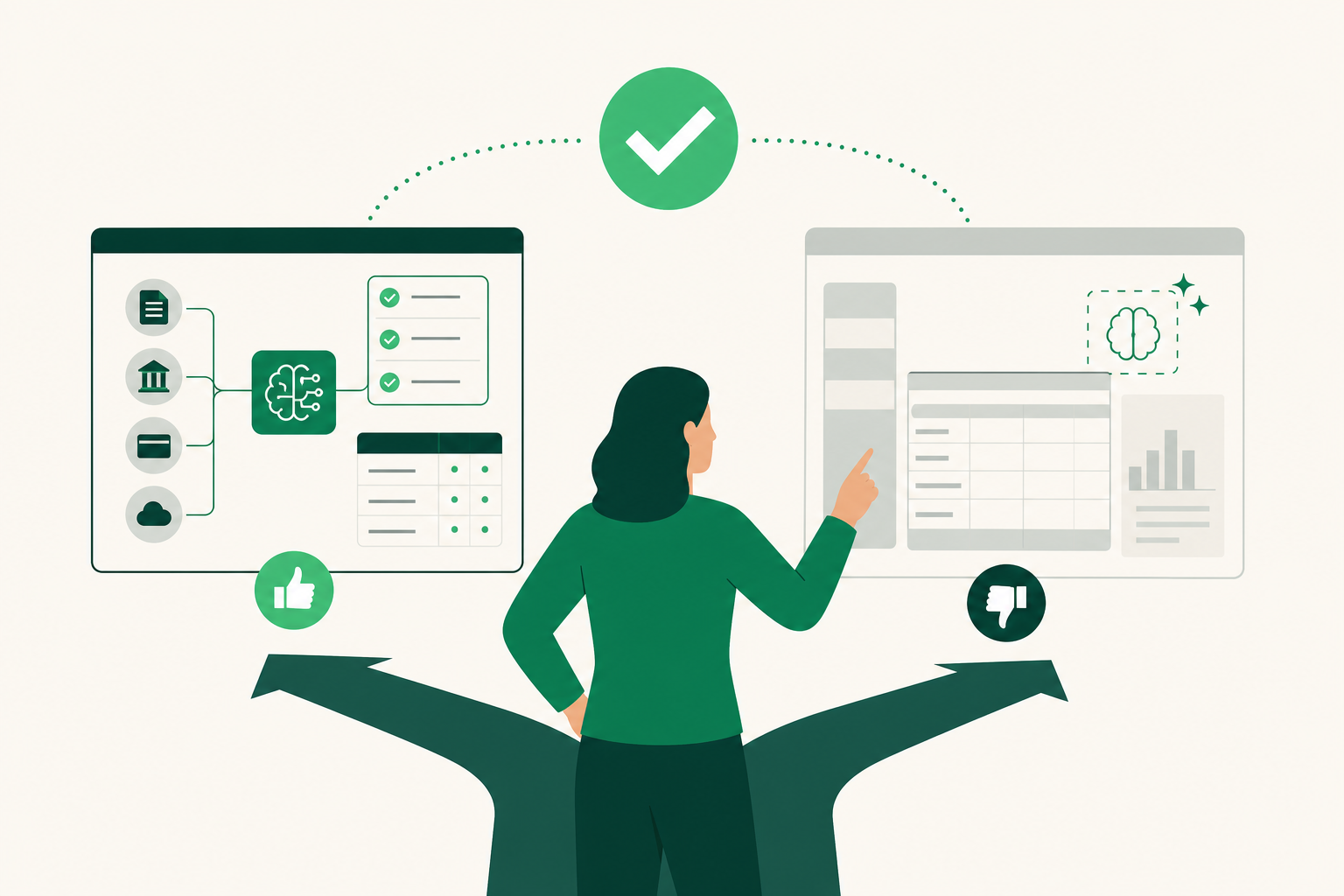
AI Bookkeeping Software: How Firms Pick the Right Tool
Updated October 14, 2026
Choosing AI bookkeeping software comes down to how each tool was built: some started as general ledgers and added AI features over time, while others were designed from the start around automated transaction coding, reconciliation, and close workflows. The best fit depends on your firm's size, integration needs, and how much of the monthly close you want automated. Evaluate on accounting mechanics and real workflow tests, not sales demos.
According to a May 2026 Intuit-commissioned survey, 88% of US accounting and bookkeeping professionals reported using AI for at least one client service in the past year.
AI-Native Tools vs. Legacy Software with AI Features
AI-native tools are built from the ground up around automated workflows. Legacy platforms added AI on top of existing architecture. That distinction shapes what each can actually do, and where each one stops.
Legacy tools with AI features, like QuickBooks Online, automate transaction categorization and bank feeds inside a general ledger you already know. The AI assists; the bookkeeper still drives the close. Advanced features like project profitability require higher-tier plans, and some users have described the newer interface as crowded, per business.com and techrepublic.com.
AI-native tools take a different approach. Truewind acts as a digital staff accountant, automating month-end close tasks, transaction classification, and documentation collection, targeting accounting firms and internal finance teams specifically, per truewind.ai. Docyt focuses on real-time bank reconciliation and multi-entity consolidated reporting, primarily for hospitality and retail, though per-entity pricing raises costs in multi-entity setups, per litmustools.com. An April 2026 Capterra survey found 53% of US accounting professionals currently use AI features within their accounting software.
| Tool | Type | Key AI capability | Pricing model |
|---|---|---|---|
| Docyt | AI-native | Real-time bank reconciliation, multi-entity consolidated reporting | Paid plan |
| QuickBooks Online | Legacy with AI | Transaction categorization, bank feeds, financial insights | Paid plan |
| Truewind | AI-native | Month-end close automation, transaction classification | Not publicly listed |
| LedgerHQ | AI-native | Transaction coding, bank reconciliation, full close workflow, financial statements | Free with Tally |
How to Evaluate Integration and Accounting Accuracy
Sound accounting mechanics matter more than AI polish. Before you commit, work through this checklist:
- Verify double-entry integrity. Confirm that every AI-generated entry produces balanced debits and credits and posts to proper ledger records, not just a feed summary.
- Check API and ledger compatibility. Verify whether the software supports direct API integration with your specific ledger version, including chart-of-accounts structure and journal history.
- Test exception handling. Run a pending transaction, a duplicate, and a missing statement through the workflow. A clean demo is not enough; bookkeeping quality shows in the edge cases.
- Confirm source traceability. Every AI output should point to a specific record, action, or approval, not just a prose explanation.
- Ask whether the AI learns from your corrections. Some tools adapt to your firm's coding patterns; others do not.
For a deeper look at how these criteria apply to a growing practice, the five-person firm software guide works through the same questions at the firm level. You can also Watch the walkthroughs to see how these checks play out in a real close workflow.
What Is the ROI of AI Bookkeeping Software for Firms?
Despite increased automation, 55% of firms still perform financial reporting manually at least part of the time, according to Capterra research cited by Ledgerary's 2026 report. That gap is where AI tools return the most time.
Automating transaction coding and bank reconciliation removes the highest-volume manual steps from the monthly close. A bookkeeper who previously coded transactions by hand can instead review AI-prepared work, shifting time toward judgment calls and client communication. A 2026 ACCA report found 52% of international accountancy and finance respondents reported regular AI use in their professional roles.
Calculate ROI by firm, not by seat: total cost per company, AI allowance, overage, and any second system you still need to run alongside.
Data Privacy and Pricing: What AI Bookkeeping Tools Don't Always Publish
Pricing and data policies are the two areas where AI bookkeeping tools are least transparent. Most legacy platforms publish tiered pricing, but AI-native tools vary widely. Truewind does not list pricing publicly. QuickBooks Online uses a paid subscription model with higher tiers required for advanced features, per cnbc.com. Docyt uses per-entity pricing that scales with the number of clients, per litmustools.com.
Before signing, ask every vendor three questions: Does your AI train on my firm's data? Who can access my client records? What happens to my data if I cancel?
LedgerHQ connects to bank and card feeds through Plaid, which holds a SOC 2 Type II audit. For full details, see LedgerHQ security. The Tally AI Bookkeeper is included at no cost, with a Pro plan available at a paid tier, per LedgerHQ pricing. Start Free to test the full workflow before committing.
How to Stress-Test Any Tool Before You Buy
Run a representative company through a real close workflow and inspect the resulting books. Do not buy based on a chat transcript or a benchmark that omits accounting controls.
1. Verify the accounting spine. Confirm how charts, journal entries, registers, bank activity, reconciliation, periods, and reports relate. Test balanced entries, account types, period boundaries, and report drill-down.
2. Inspect what the AI can access and do. List the tools available to the agent, the data each returns, and the actions each can take. Distinguish read-only explanation, prepared work, confirmed execution, and standing authority.
3. Test failure and exception paths. Include pending transactions, ambiguous transfers, a missing statement, a duplicate, and an unbalanced import. A polished happy path is not enough.
4. Require proof of prepared and completed work. Ask the agent to identify what needs attention, prepare a task, and explain how the firm can verify each result. The answer should point to records, not only prose.
5. Evaluate migration, security, cost, and support. Understand the source formats, preview process, bank provider, mobile support, export options, and support path. Get the iPhone app on the App Store to test mobile access before committing. You can also explore LedgerHQ to review security documentation and plan details before you sign.
Prices and plan limits verified as of October 2026.
FAQs
Can bookkeeping be done entirely by AI?
Not yet, and not without firm oversight. AI tools handle high-volume, repeatable tasks well: transaction coding, bank reconciliation, and document matching. Judgment calls, exception resolution, client communication, and final sign-off still require a bookkeeper. The honest case for AI bookkeeping is that it removes the volume work so the bookkeeper can focus on the decisions that actually require expertise. See what AI in bookkeeping actually does today for a detailed breakdown.
What are accounting firms replacing QuickBooks with?
Most firms are not replacing QuickBooks entirely. They are either adding AI-native tools on top of it or migrating to platforms that handle the full close workflow without QuickBooks at the center. The choice depends on whether your clients are already on QuickBooks and how much of the close you want automated. LedgerHQ supports QuickBooks migration with chart-of-accounts and journal history import, plus a preview-before-posting step.
What is an accounting system and how does AI change it?
An accounting system records, classifies, and reports financial transactions through a general ledger. AI changes the input layer: instead of a bookkeeper manually coding each transaction, the AI prepares the coding and the bookkeeper reviews it. The ledger, double-entry rules, and period structure stay the same. What changes is who does the first pass. For a comparison of how different tools handle this, see the AI bookkeeping software comparison for firms.
How do I know if an AI bookkeeping tool handles my industry's tax compliance?
Ask the vendor directly: which tax codes does the AI apply, how does it handle industry-specific accounts, and where does it stop and flag for human review? Test it with a real transaction set from your industry before you buy. No AI tool replaces a bookkeeper's knowledge of industry-specific compliance; it can only apply rules it has been built to recognize.
What should I ask a vendor about their AI training data and privacy policy?
Ask whether your firm's data is used to train the model, whether client data is ever shared with third parties, what data is retained after cancellation, and whether the platform has completed a third-party security audit. Ask for the answers in writing. Vague reassurances in a demo are not a substitute for a documented data processing agreement.
Conclusion
AI bookkeeping software splits into two categories: legacy platforms that added AI to existing workflows, and AI-native tools built around automated close processes. The right choice depends on how much of the close you want automated, what your integration requirements are, and whether the vendor can show you traceable, auditable outputs rather than a polished demo.
Before you commit, run a real company through the full close workflow and check the resulting books. Verify the accounting model, test the exception paths, calculate the total cost per client, and get the data privacy terms in writing.